Free ebook reader for Mac · EPUB · MOBI · AZW3
Open. Read. Close.
A macOS ebook reader that only reads. Double-click a book in Finder and start reading — no library, no importing.
Free ebook reader for Mac · EPUB · MOBI · AZW3
A macOS ebook reader that only reads. Double-click a book in Finder and start reading — no library, no importing.
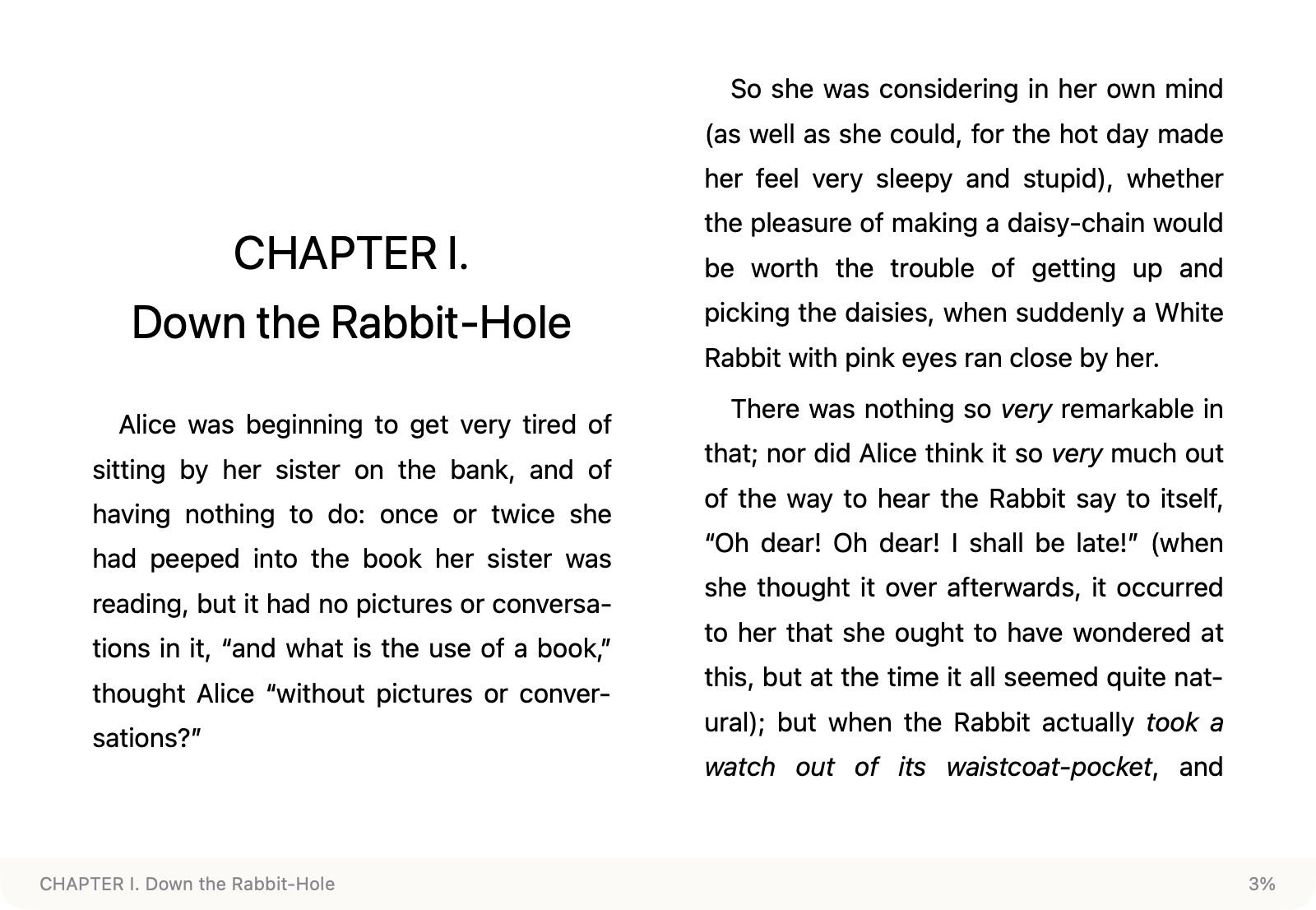
Leaf is a free, open-source ebook reader for macOS. It opens EPUB, MOBI and AZW3 files directly from Finder without importing them into a library, remembers where you stopped reading, and quits when you close the window. It is built with SwiftUI and WebKit, uses foliate-js for rendering, and requires macOS 15 or later.
Leaf does one thing: get you to the first line of your book as fast as possible.
Open EPUB, MOBI and AZW3 directly — no conversion needed.
Books are recognized by content, so renaming or moving a file keeps your place.
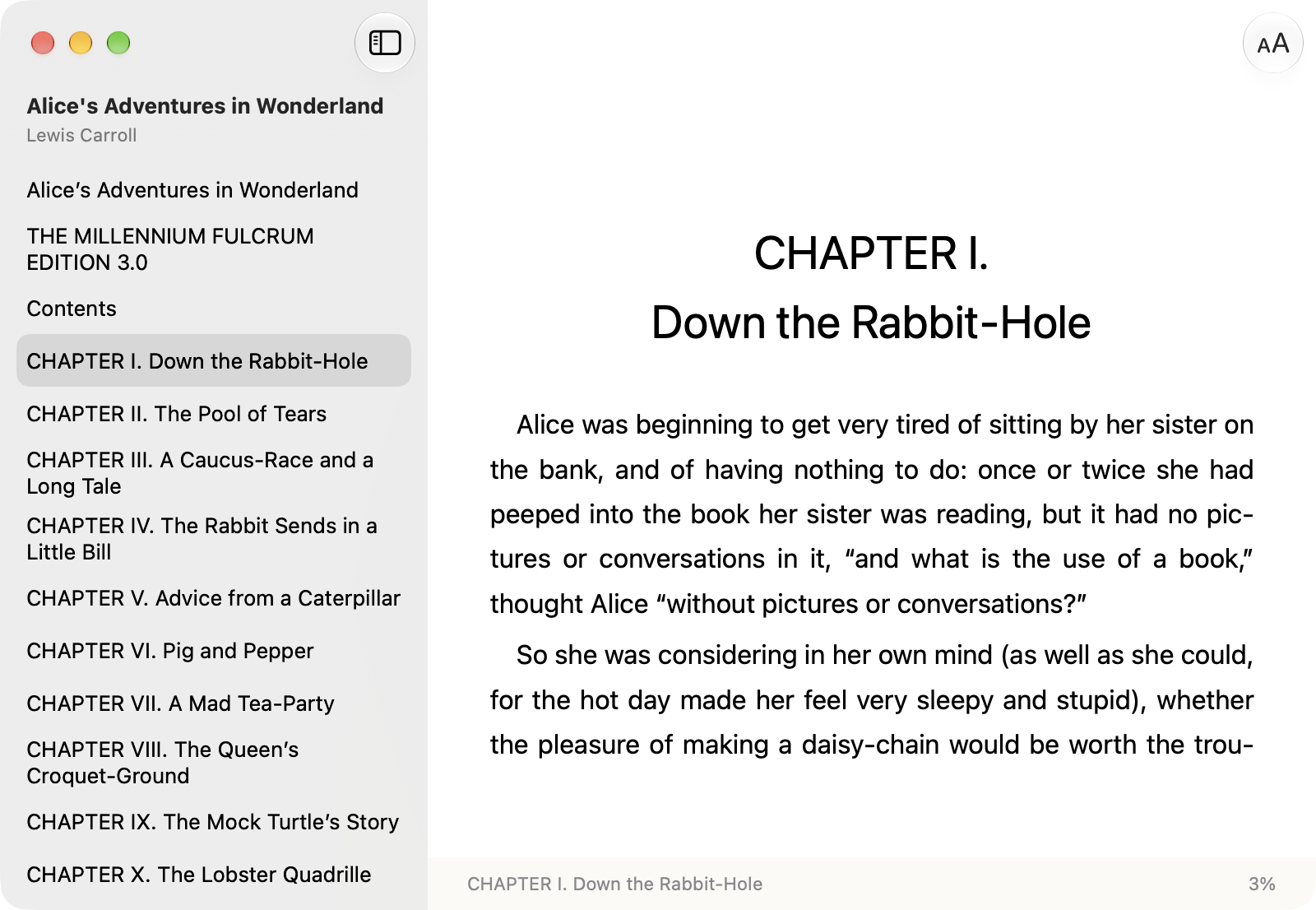
Press ⌘T. The current chapter is highlighted; click to jump.
Font size from 80% to 200%, three line-spacing presets, original, sans or serif fonts.
No background process, no library window. Close the book and it’s gone.
SwiftUI and WebKit, about 2.4 MB, follows light and dark appearance.
The sidebar is the system’s own. The highlight follows as you read, and a click on the page tucks it away again.
Apple Books and Calibre are both good tools. Leaf is for when you only want to open a file and read it.
| Leaf | Apple Books | Calibre | |
|---|---|---|---|
| EPUB | ✓ | ✓ | ✓ |
| MOBI · AZW3 | ✓ (DRM-free) | Not supported | ✓ |
| Opens files without a library | ✓ | Imports into its library | Library-based; standalone viewer available |
| Download size | About 2.4 MB | Built into macOS | About 350 MB |
| Requires | macOS 15+ | — | macOS 14+ |
| Price · License | Free · MIT | Free · proprietary | Free · GPL-3.0 |
Checked on 3 October 2026 against Apple Books Help, calibre 9.15.0 for macOS and the calibre viewer manual.
Leaf is an independent open-source project and isn’t notarized by Apple. Allow it once on first launch; after that it opens like any other app.
Open Leaf.dmg and drag Leaf into the Applications folder.
Double-click Leaf. When macOS says it can’t verify the developer, click Done.
In System Settings › Privacy & Security, scroll down and click Open Anyway.
Requires macOS 15 or later. Books with DRM, such as Kindle Store purchases, can’t be opened.
Keep your hands on the keyboard.
| Turn page | ←→Space |
| Contents | ⌘T |
| Larger / smaller text | ⌘=⌘- |
| Actual size | ⌘0 |
Common questions about installing and using Leaf.
Install Leaf, then double-click the file in Finder, or right-click it and choose Open With › Leaf. The file must be DRM-free.
Yes. Leaf is free and open source under the MIT License.
Leaf isn’t notarized by Apple. Open it once and dismiss the warning, then go to System Settings › Privacy & Security and click Open Anyway. You only need to do this once.
Only DRM-free files. Books bought from the Kindle Store usually have DRM, and Leaf can’t open them.
No. Leaf opens books where they are, without importing or copying them, and remembers where you stopped reading.